
LinkedIn: Sending LinkedIn InMail 📭
It’s now possible to send LinkedIn InMail directly through your campaigns in QuickMail!
Why use it?
LinkedIn InMail lets you reach prospects directly, even if you’re not connected, making it perfect for expanding your outreach beyond your network. With QuickMail, you can automate and personalize these messages at scale, saving time while maintaining a human touch. It’s ideal for sales, recruiting, and networking, helping you break through barriers and engage leads who might otherwise be unreachable. Using InMail this way ensures your campaigns stay organized, trackable, and more effective.
How does it work?
LinkedIn InMail uses your allocated credits to send private messages directly to members outside your network. QuickMail integrates with LinkedIn to automate sending, ensuring each message is personalized and delivered according to your campaign schedule.
How to use it?
Step 1. To use LinkedIn InMail in your QuickMail campaign, first connect your LinkedIn account that has InMail credits.

Step 2. Go to a campaign → Steps → Add Step → Add LinkedIn InMail Step

Step 3. Add your message in the subject and body. Make sure to save changes
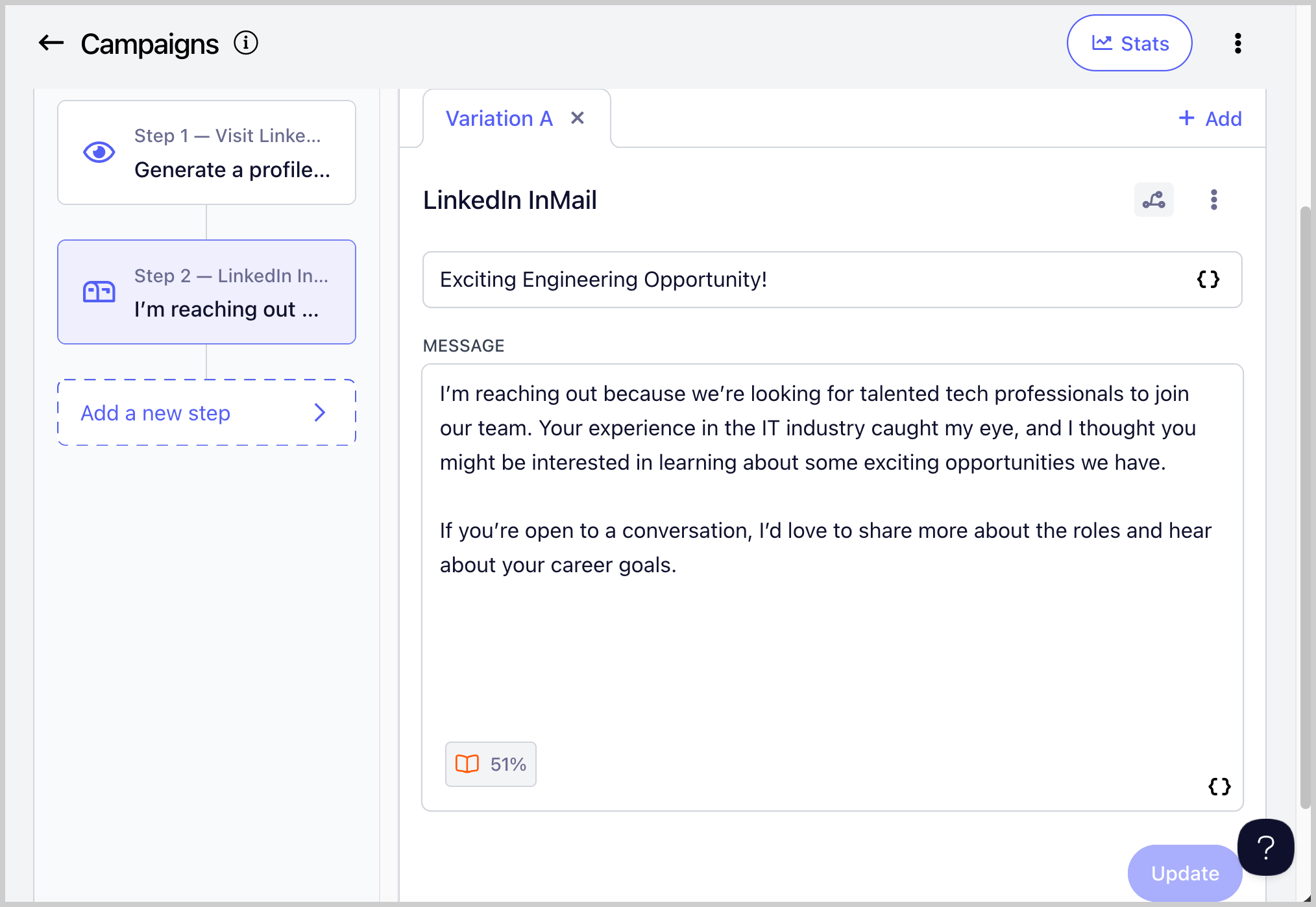
Step 4: Make sure to set the campaign live. Once a lead reaches the LinkedIn InMail step, they will receive the InMail message.
To know more about QuickMail's LinkedIn Automation, check out this guide: LinkedIn Automation