Outbox (Sent Emails)
Outbox (Sent Emails)
In this article:
What is the Outbox?
Where can I see sent emails?
How do sent emails look?
What Is the Outbox?
The Outbox is a page where you can see the number and history of emails sent from the workspace.
Note: The Outbox only shows emails sent in the past 30 days. To see emails sent more than 30 days ago, check the sent emails page directly in your email account.
Where Can I See Sent Emails?
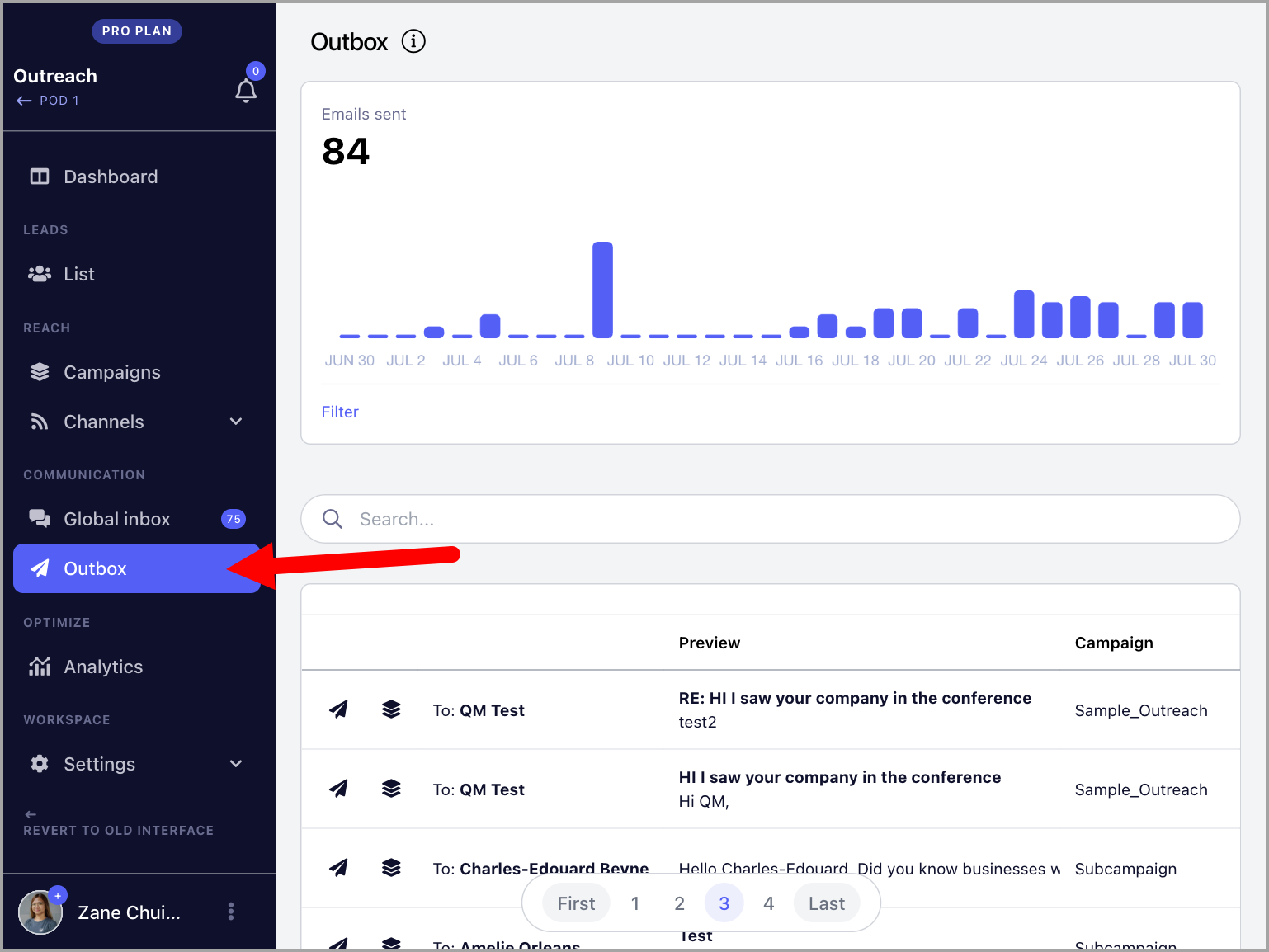
Sent emails can be found in the Outbox section in the left-side menu.
How Do Sent Emails Look in the Outbox?
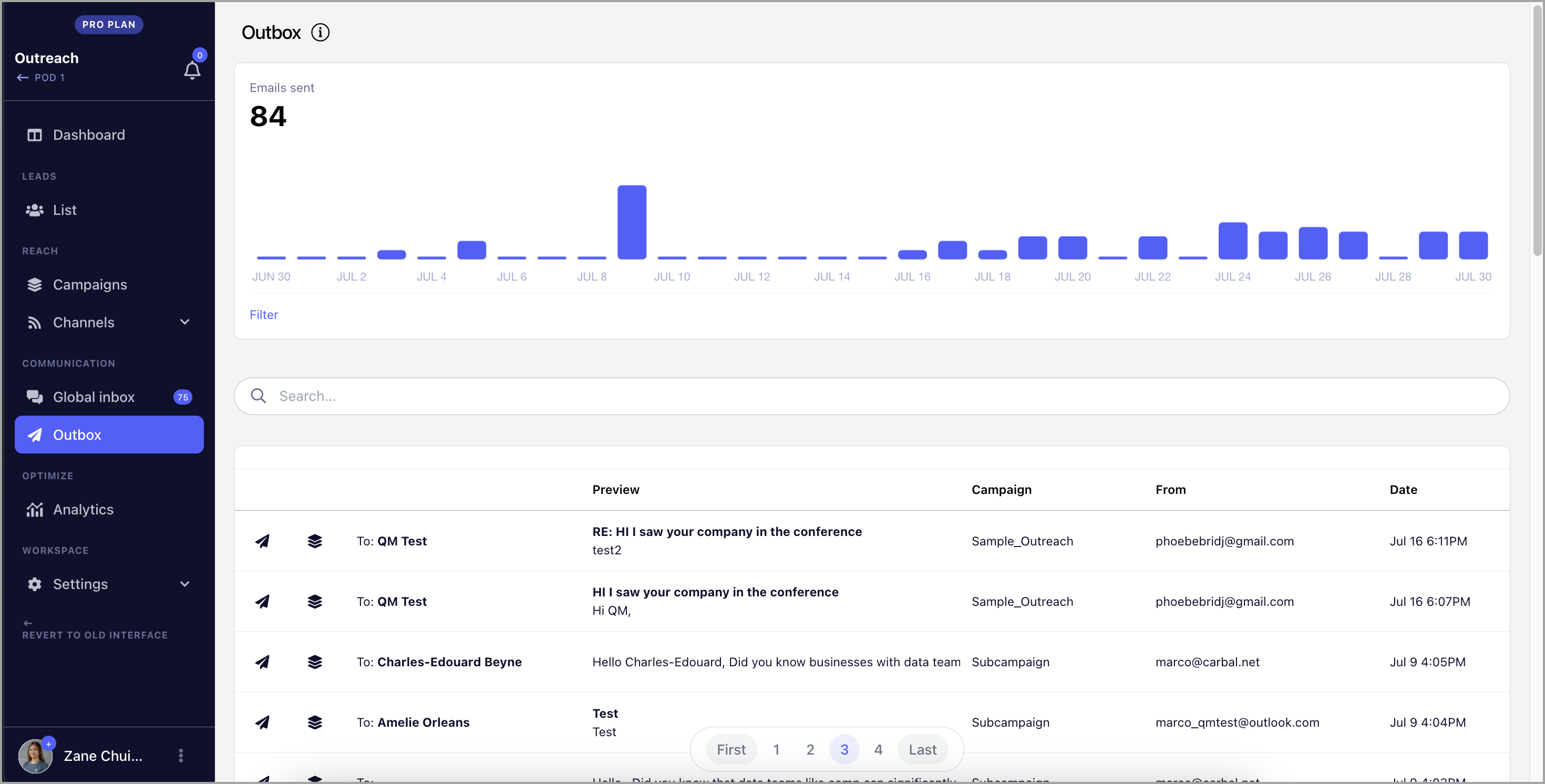
The Outbox shows a preview of each sent email, the email account that sent it, the date and time, and the associated campaign.
Note: The timestamps of sent emails are based on the timezone set on your device.
You can also see the daily number of sent emails over the past 30 days.
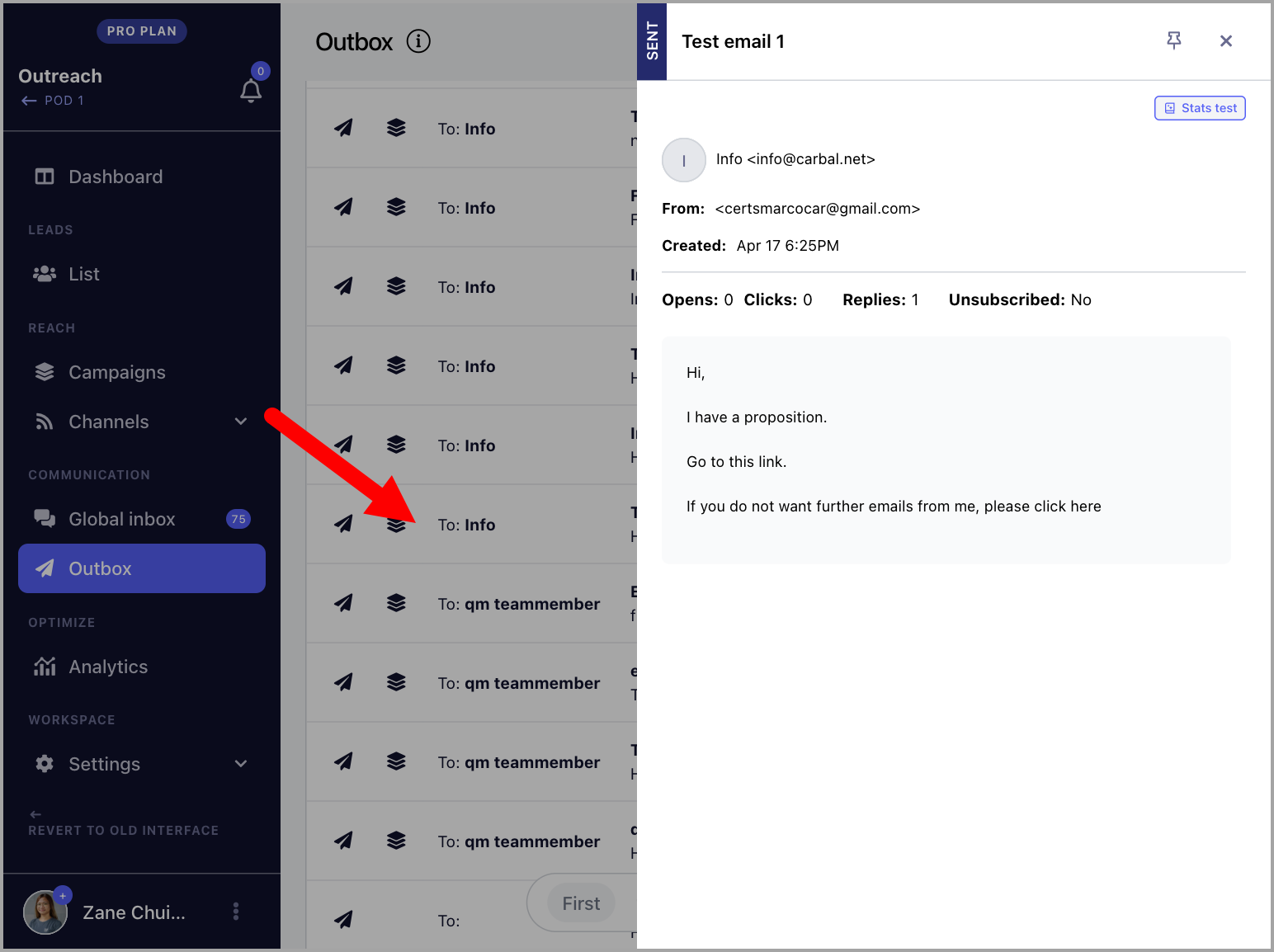
Sent emails can be opened by clicking on them. The email will open on the right side of the screen where it can be read in full.