Understanding Future Emails
Understanding Future Emails
Future Emails helps you forecast the email volume of your campaigns, streamline your planning process, and optimize resources efficiently.
In this article:
Where can I see future emails?
How are future emails calculated?
Where Can I See Future Emails?
Go to Campaigns → select a campaign → view the Future Emails section in the campaign dashboard.
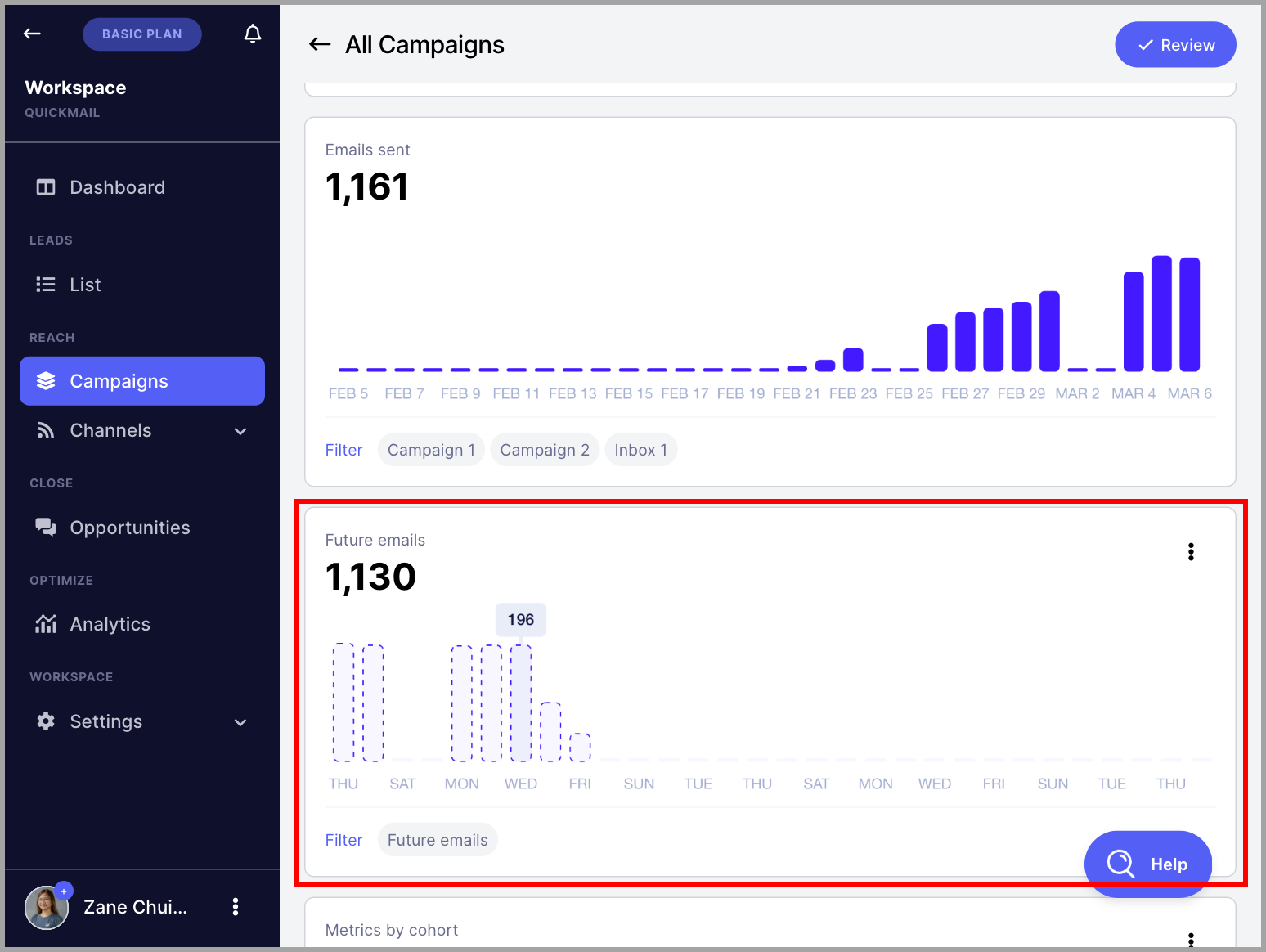
How Are Future Emails Calculated?
Future emails are calculated based on the following factors:
The number of leads in an active campaign
The number of leads that will start the campaign based on triggers
The number of follow-up emails
Wait steps
The following factors are not yet taken into account:
The type of the first step in a campaign (for example, if it is not an email step)
Time delay between sending emails
Send times
Out-of-office leads
FYI: Future emails only show emails that will be sent tomorrow and the following days. It doesn't show how many emails will be sent today.
It's also not very accurate at the moment and still needs further improvement.
To get an idea on how many emails will be sent today, you can check when will the leads move to the next step. Go to campaign > look under the next step column and count it manually.