Account Management
Creating an API Key
Creating an API Key
For Agency Accounts
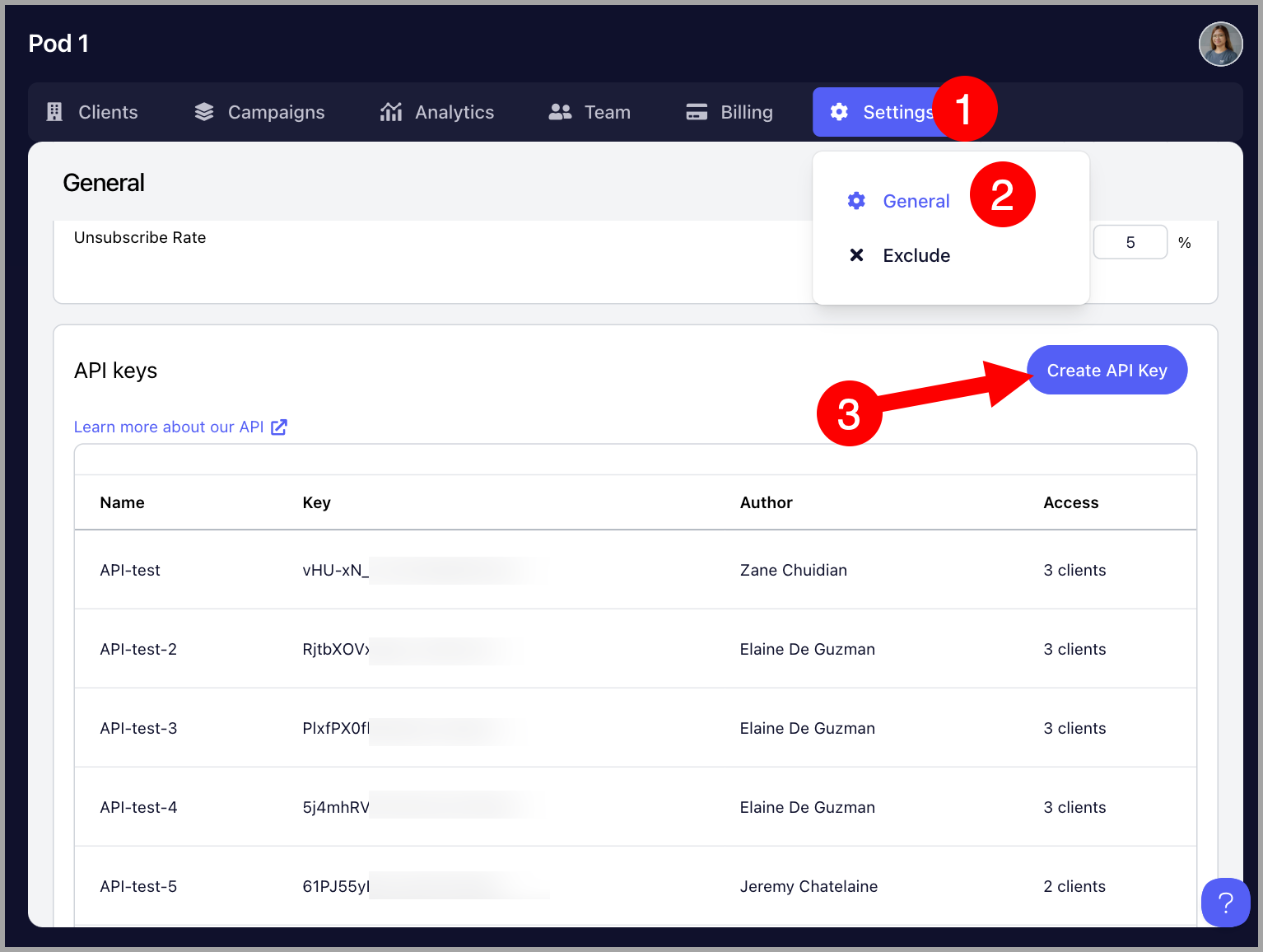
Go to the Agency Dashboard by clicking the Organization name at the upper left corner of the screen → Settings → General → Scroll to the bottom and click "Create API key"
Above the button for creating an API key, there's a link that allows users to access our API documentation.
For Team Accounts
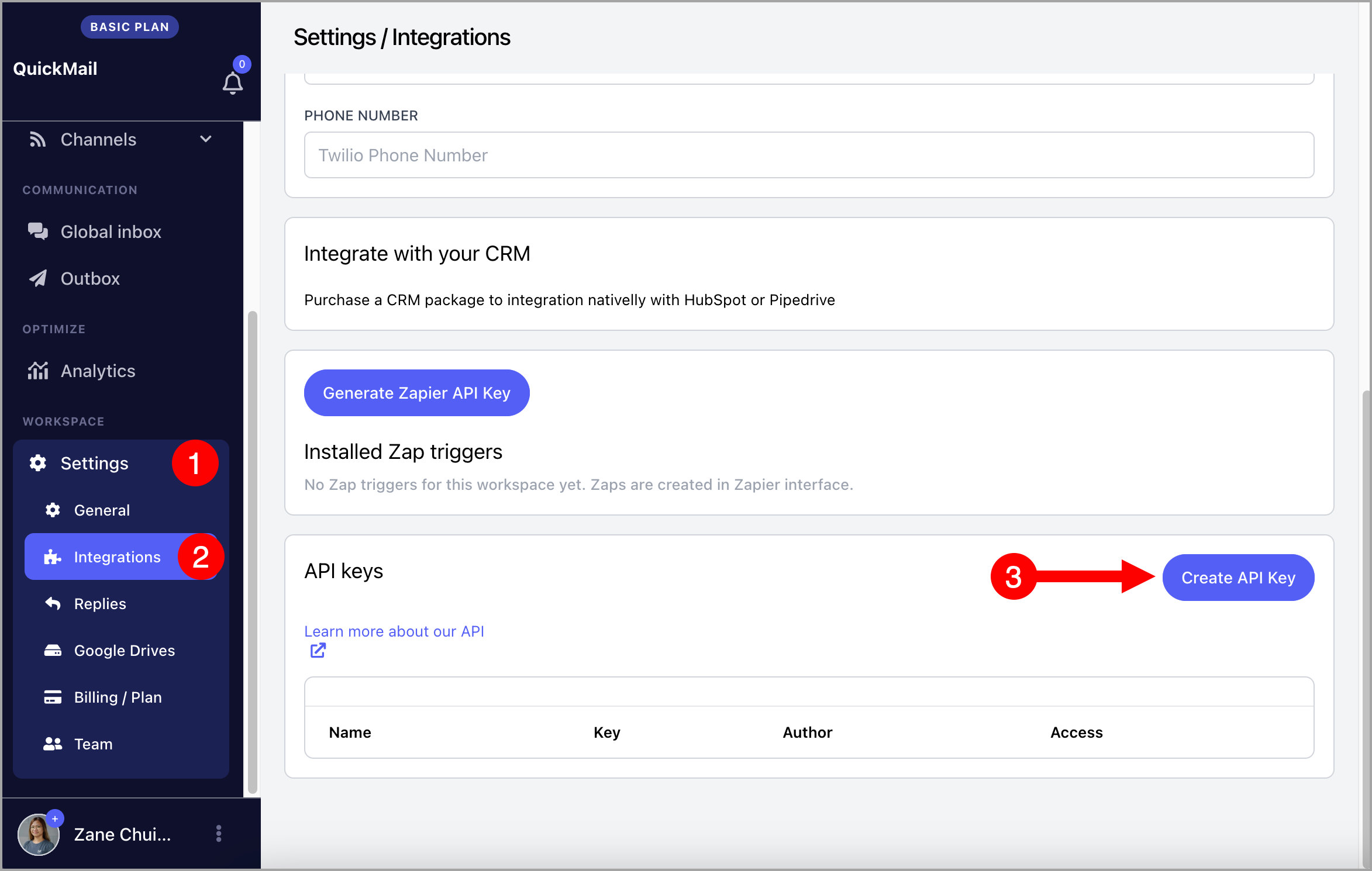
Go to the Settings → Integrations → Under API keys, Create API Key
Above the list of API keys, there's a link that allows users to access our API documentation.