FAQ: What Can I Do with QuickMail's LinkedIn Automation?
FAQ: What Can I Do with QuickMail's LinkedIn Automation?
QuickMail offers 9 LinkedIn automation features:
In this article:
Generate profile views
Send LinkedIn connection requests
Send LinkedIn messages
Send instant follow-up LinkedIn messages
Send attachments
Send LinkedIn InMails
Send LinkedIn voice messages
Import leads who viewed your profile
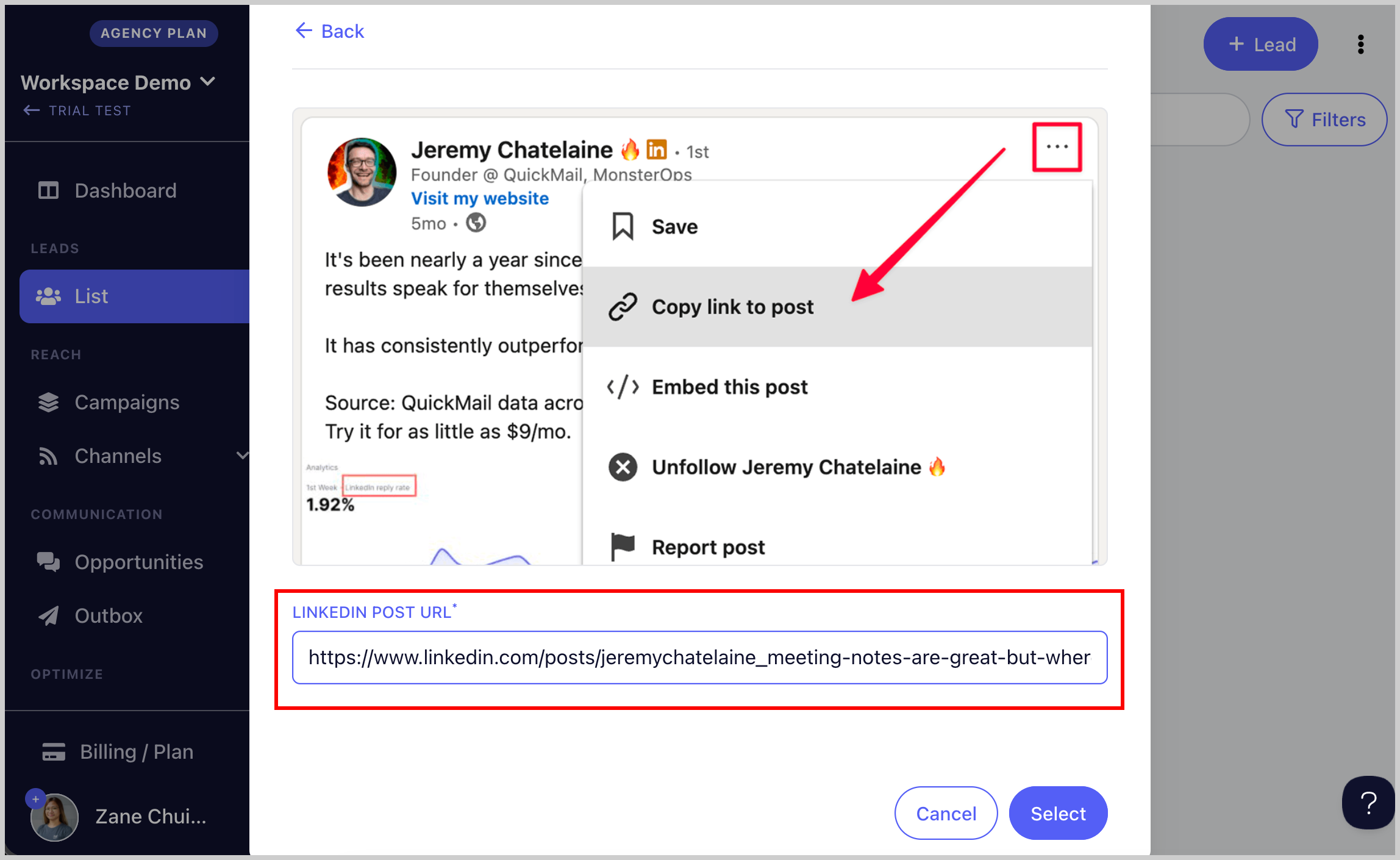
Import leads from a LinkedIn post
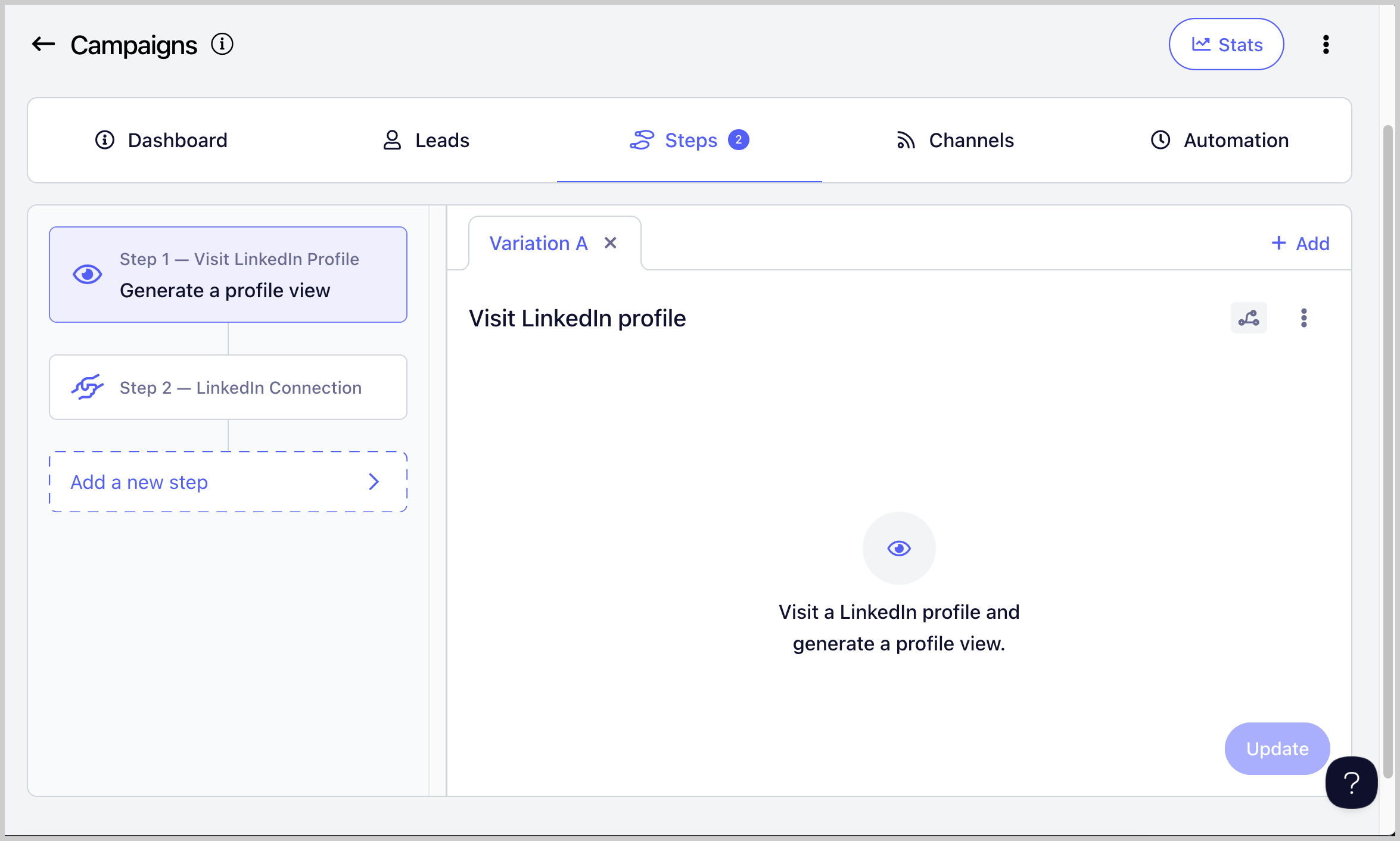
Generate Profile Views
Generates profile views on your leads to create familiarity and boost connection and reply rates by making your approach feel more natural.
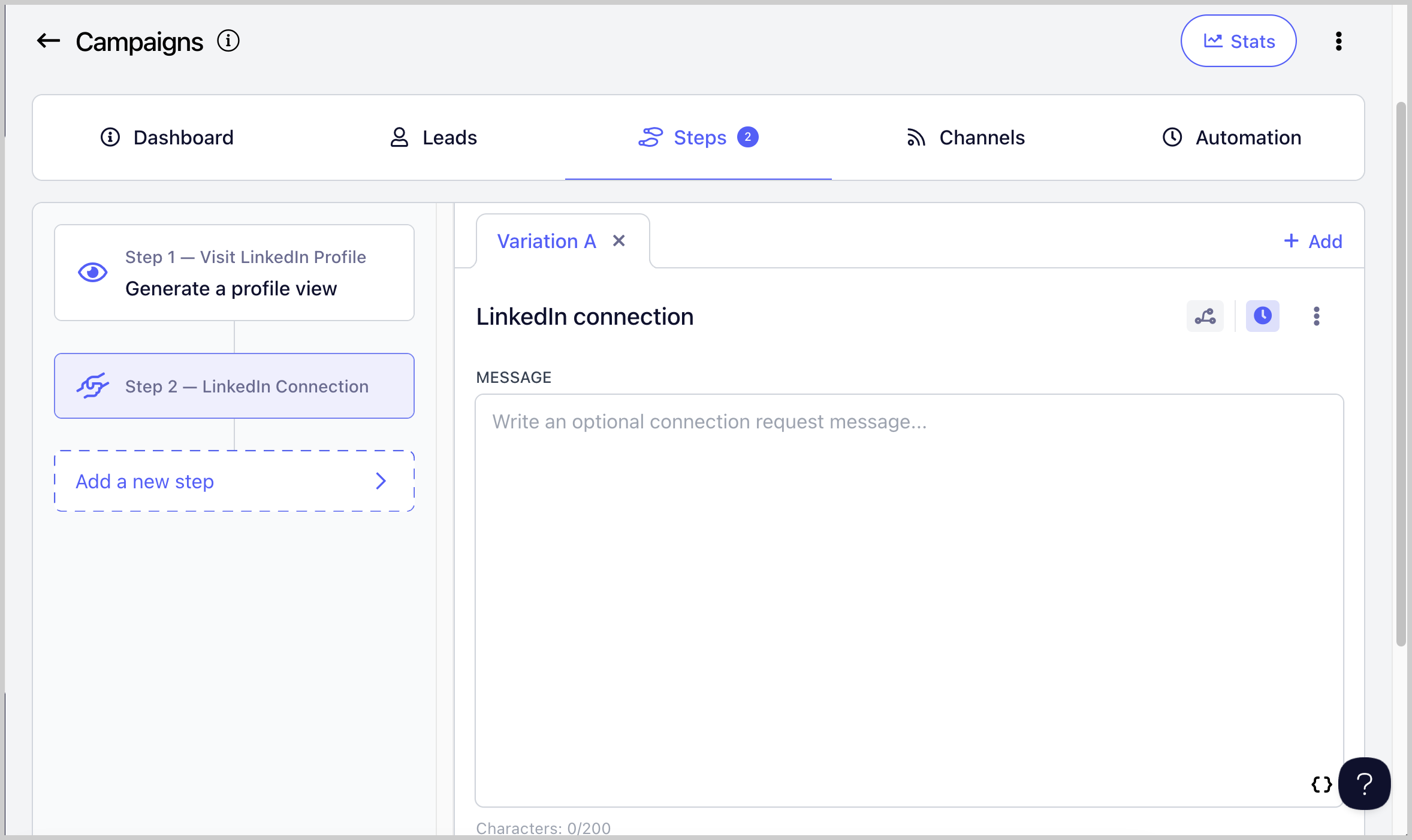
Send LinkedIn Connection Requests
Allows you to send connection requests to leads without having to do it manually.
Important notes:
LinkedIn connection requests are automatically withdrawn after 90 days. When this happens, the lead's status will change from "Running" to "Canceled."
Connection requests can be resent after 3 weeks.
LinkedIn does not allow sending messages to leads you are not yet connected with.
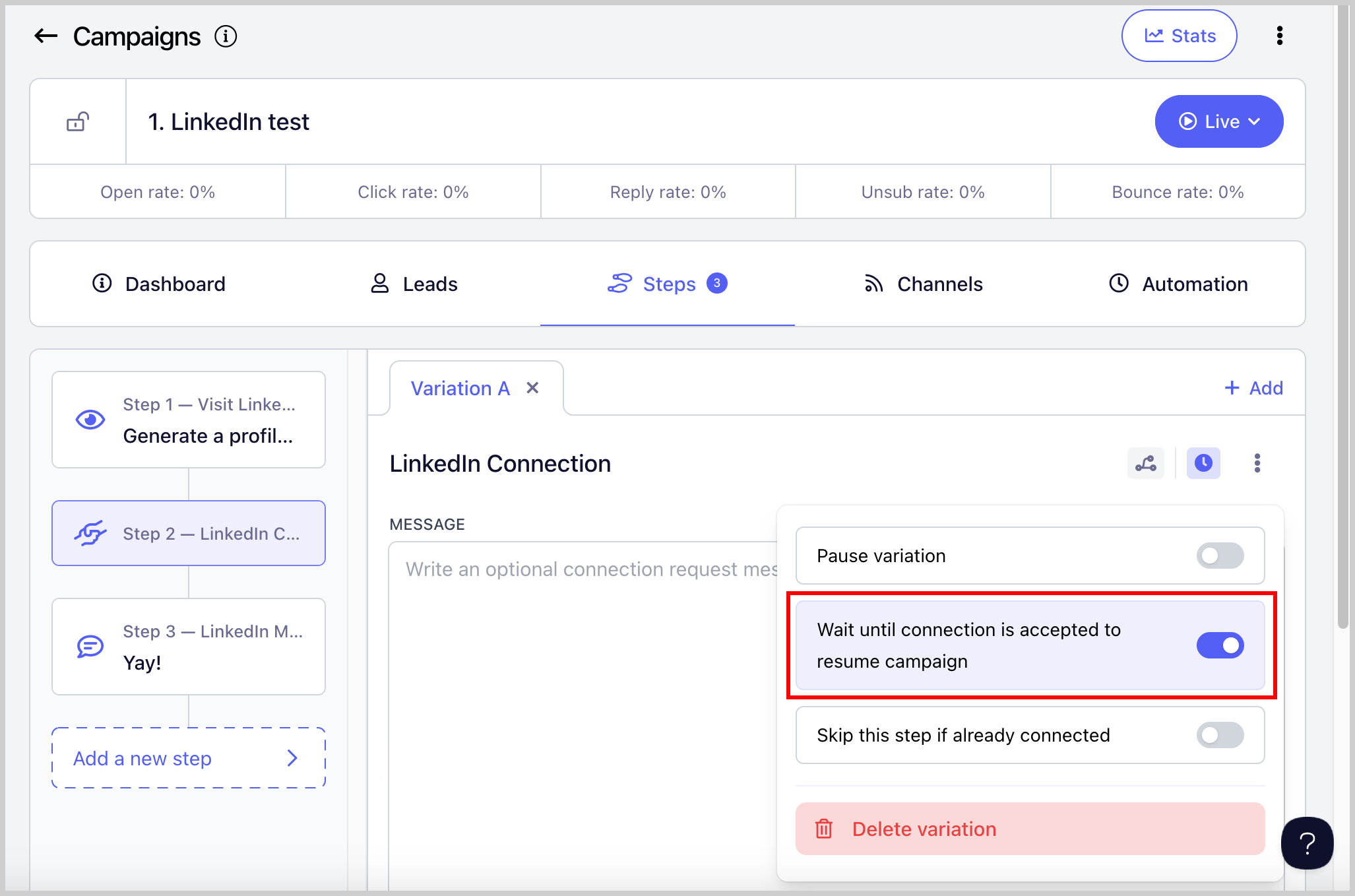
Because of this, the Wait Until Connection Request is Accepted setting is enabled by default on connection request steps. This means a lead will not proceed to the next step until the connection request is accepted. You can disable this setting here:
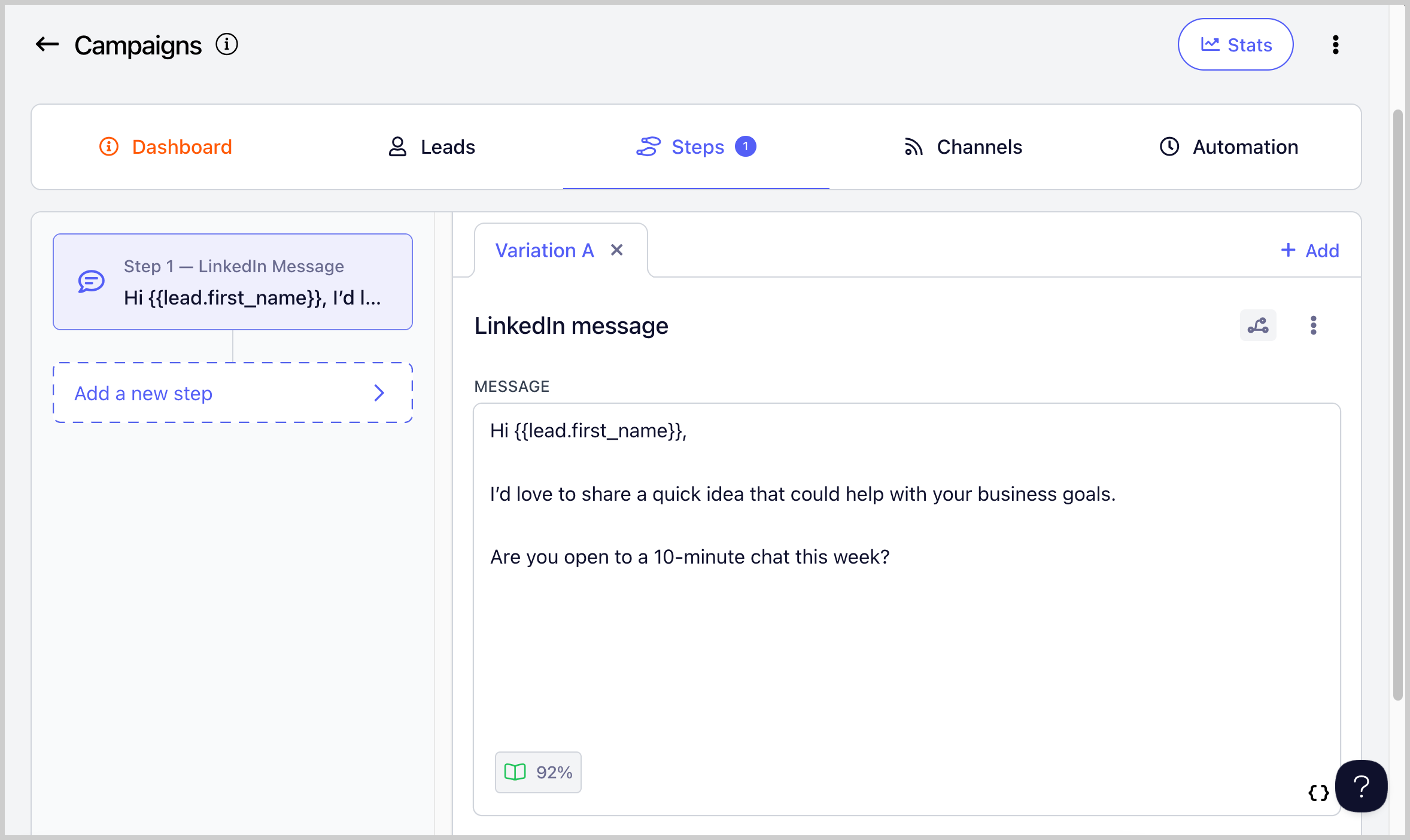
Send LinkedIn Messages
Allows you to send LinkedIn messages to leads you are already connected with.
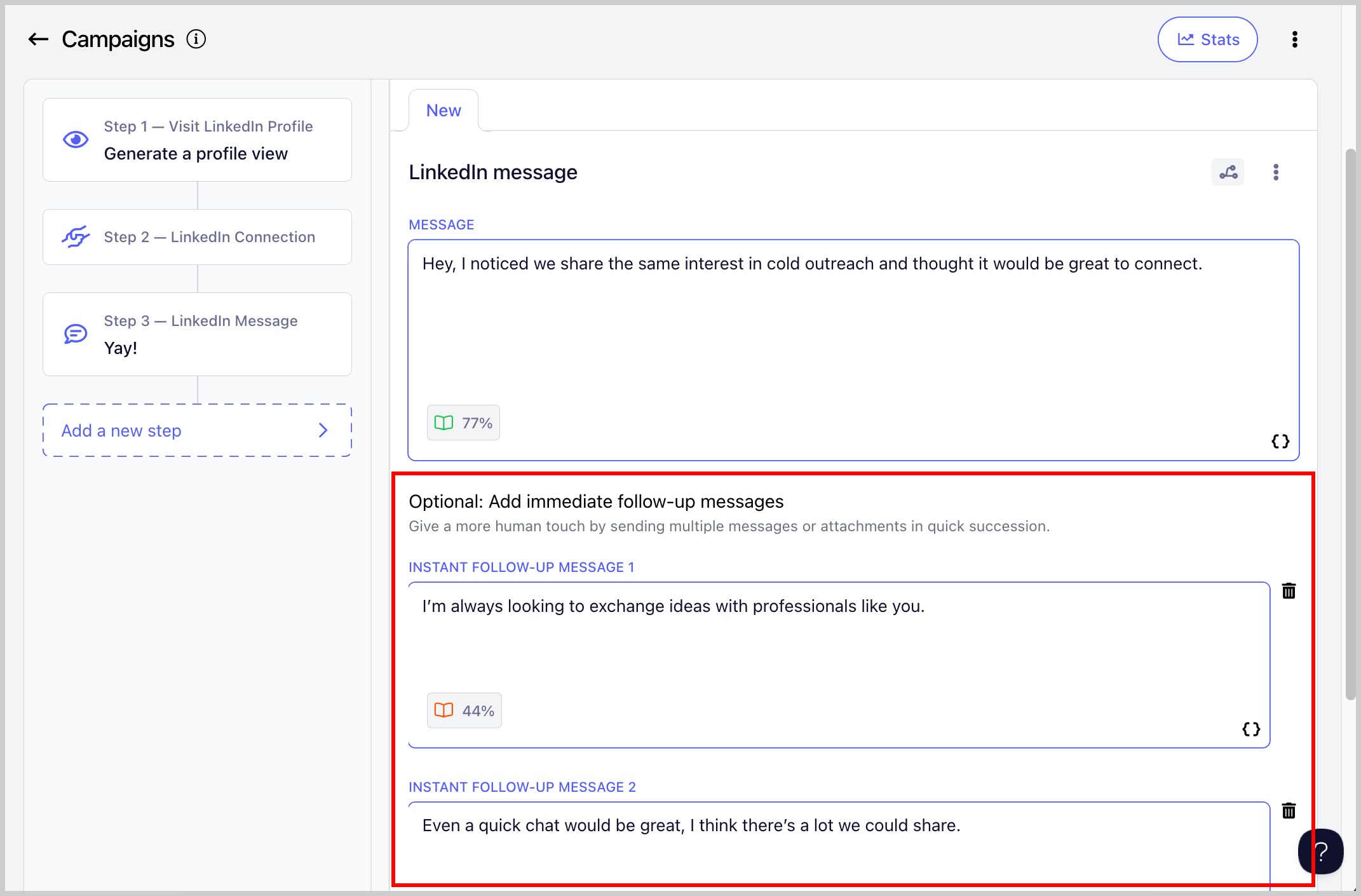
Send Instant Follow-Up LinkedIn Messages
Allows you to send multiple messages or attachments in quick succession, making your outreach feel more natural, like a real conversation.
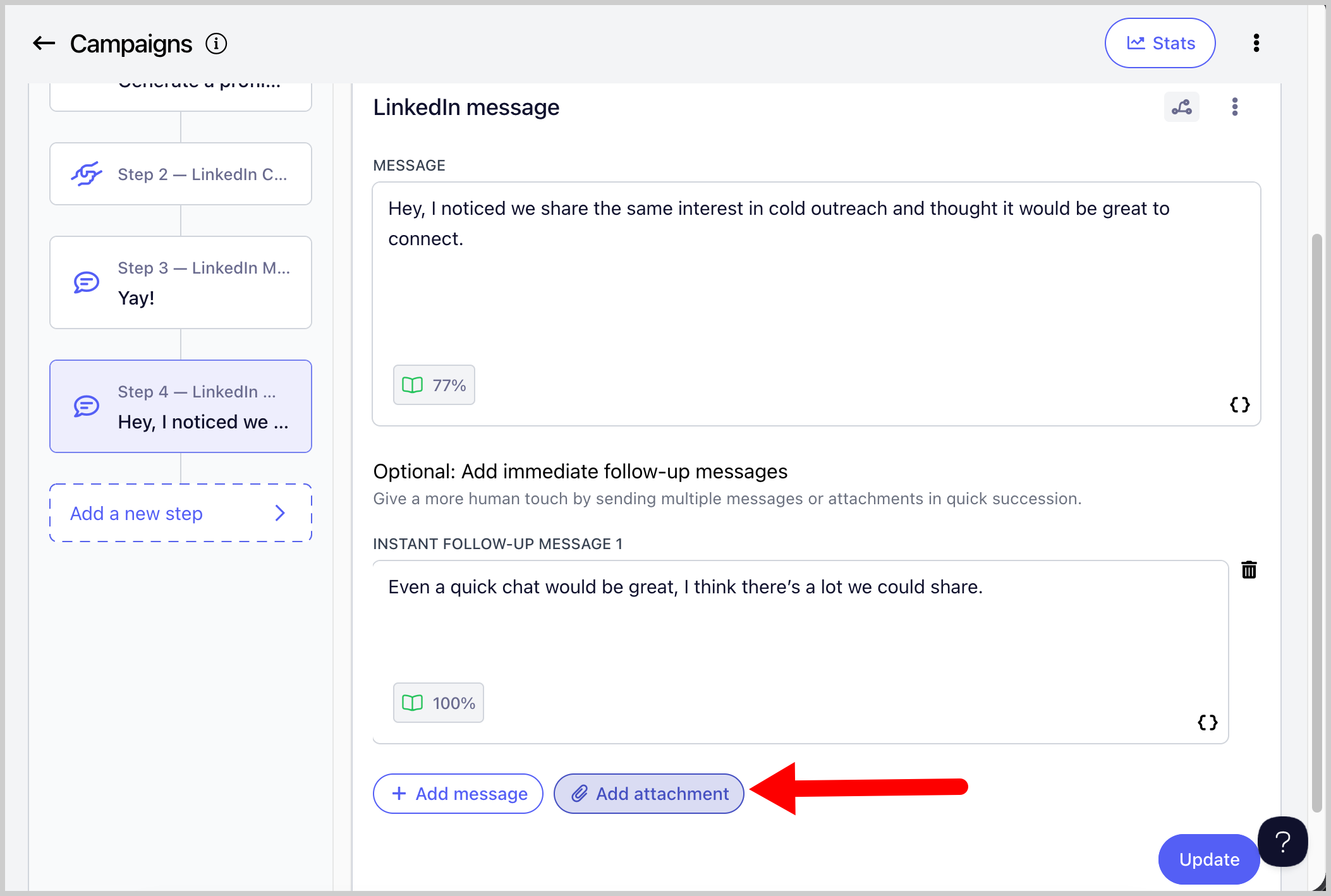
Send Attachments
Allows you to add attachments to your LinkedIn messages. This can make your outreach more engaging and gives leads something tangible to review, such as a case study, one-pager, or portfolio.
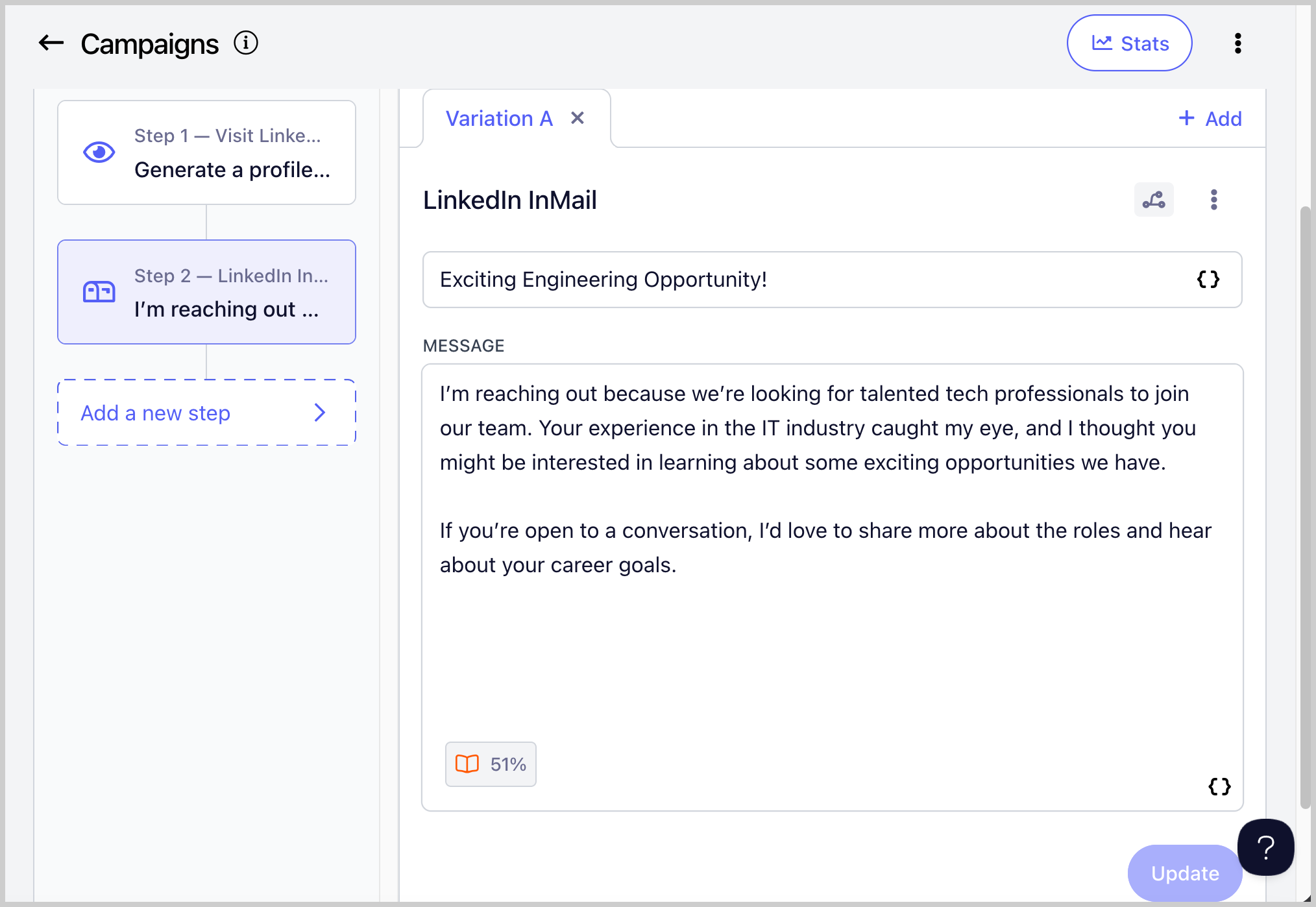
Send LinkedIn InMails
Allows you to send LinkedIn InMail messages without needing to be connected to the lead.
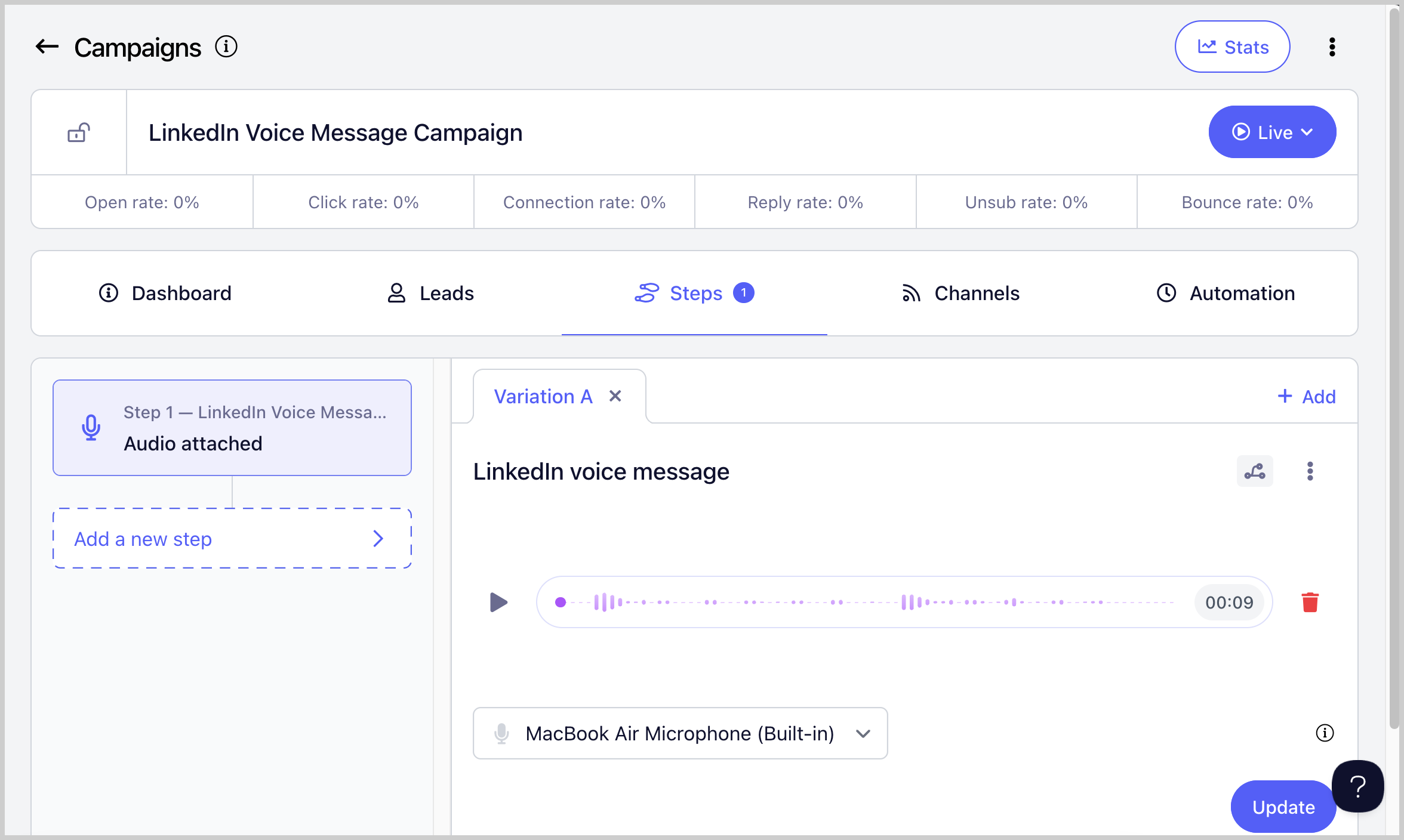
Send LinkedIn Voice Messages
Allows you to send voice messages to leads. Voice messages can help you stand out, grab attention faster, and build trust more effectively than text messages.
Import Leads Who Viewed Your Profile
Automatically imports leads who viewed your LinkedIn profile into QuickMail.
To enable this, go to LinkedIn → click on the LinkedIn account → Receiving tab → check Create leads from profile viewers → optionally select a campaign to add the leads to.
Import Leads from a LinkedIn Post
Allows you to import leads who engaged with a LinkedIn post directly into QuickMail.
Tip: You can also import leads from another person's LinkedIn post.
To use this feature, go to List → Import from LinkedIn Post → paste the LinkedIn post link → continue with the on-screen prompts.