Days of the Week Properties
Days of the Week Properties
The {{=day+0}} and {{=bday+0}} properties let you include a specific day of the week in your email body or subject line based on the date the email is sent, adding real-time relevance to your messages.
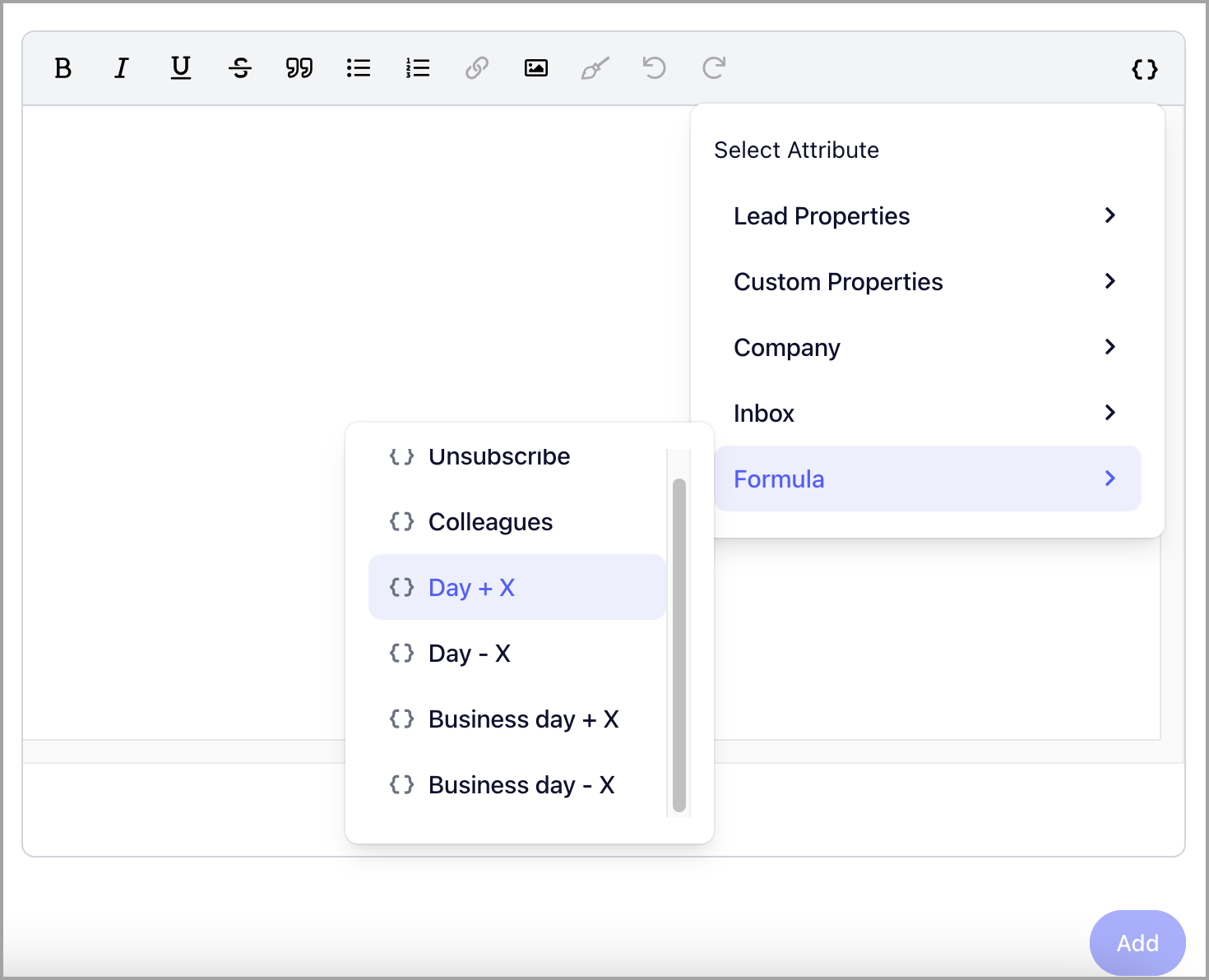
Note: Offsets can be added to reference a specific day of the week relative to the date the email was sent.
{{=day+0}}
The {{=day+0}} property inserts the current day of the week in the email body or subject line.
For example, if your email contains:
How are you this fine {{=day+0}}?
And the email is sent on a Monday, it will render as:
How are you this fine Monday?
{{=bday+0}}
The {{=bday+0}} property inserts the current business day. Business days are defined as weekdays — Monday through Friday, excluding Saturday and Sunday.
For example, if your email contains:
Can we set a meeting on {{=bday+2}}?
And the email is sent on a Thursday, it will render as:
Can we set a meeting on Monday?
This is because Saturday and Sunday are skipped when calculating the offset.