Tracking Delay to Avoid False Opens and Clicks
Tracking Delay to Avoid False Opens and Clicks
In this article:
What causes false opens and clicks?
How to prevent false opens and clicks?
Option 1: Set up a tracking delay
Option 2: Enable improved click detection accuracy
Option 3: Avoid opening emails in your sent folder
What Causes False Opens and Clicks?
Email security systems sometimes automatically scan incoming emails immediately after delivery, which can trigger false open or click events.
Domains ending in
.eduand.orgcommonly have stricter email filtering systems, which makes automated opens and clicks more frequent.Large organizations such as hospitals, government agencies, and schools often use advanced email protection tools because they are common targets for phishing attacks.
Some security tools automatically open links in emails to check whether they lead to malicious or unsafe websites.
Some email applications automatically preload images in the background, which can trigger open tracking pixels even if the recipient did not read the email.
False opens and clicks can also occur when the sender opens the email or clicks links in their own sent folder.
Because of these automated checks, open and click tracking should be treated as an estimate of engagement rather than exact human activity.
How to Prevent False Opens and Clicks?
Option 1: Set Up a Tracking Delay
Tracking delay adds a delay after sending an email before opens and clicks are tracked, making tracking more accurate and reliable.
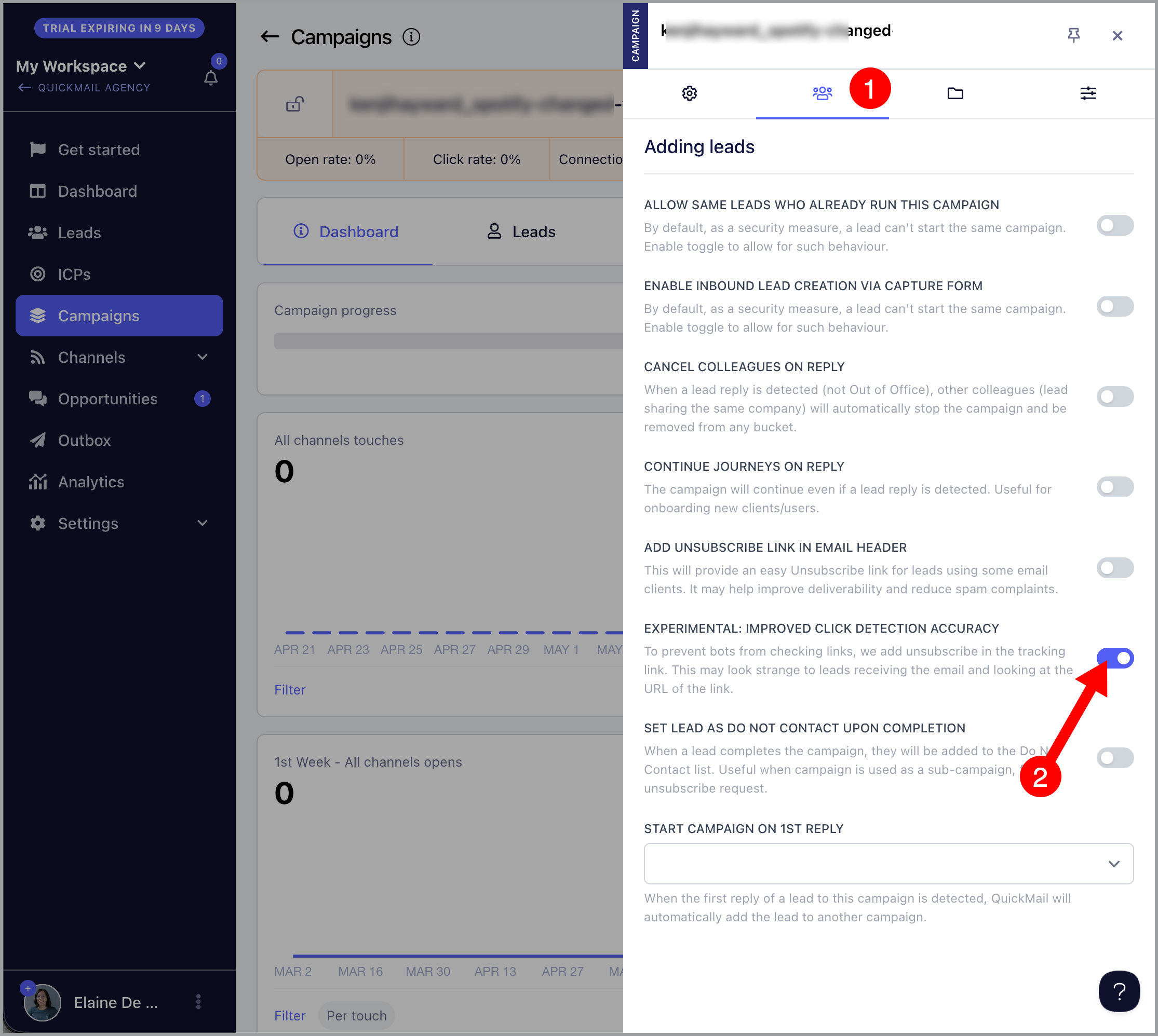
Go to Settings → General → adjust the Tracking Delay in seconds.
Note: The default value is 30 seconds.
The delay can be set anywhere from 0 to 600 seconds and applies to all emails sent from the account. Set it to 0 to disable tracking delay entirely.
Warning: Setting a long delay may cause real opens and clicks to be missed. Most users leave it at 30 seconds, though some set it to up to 60 seconds.
Option 2: Enable Improved Click Detection Accuracy
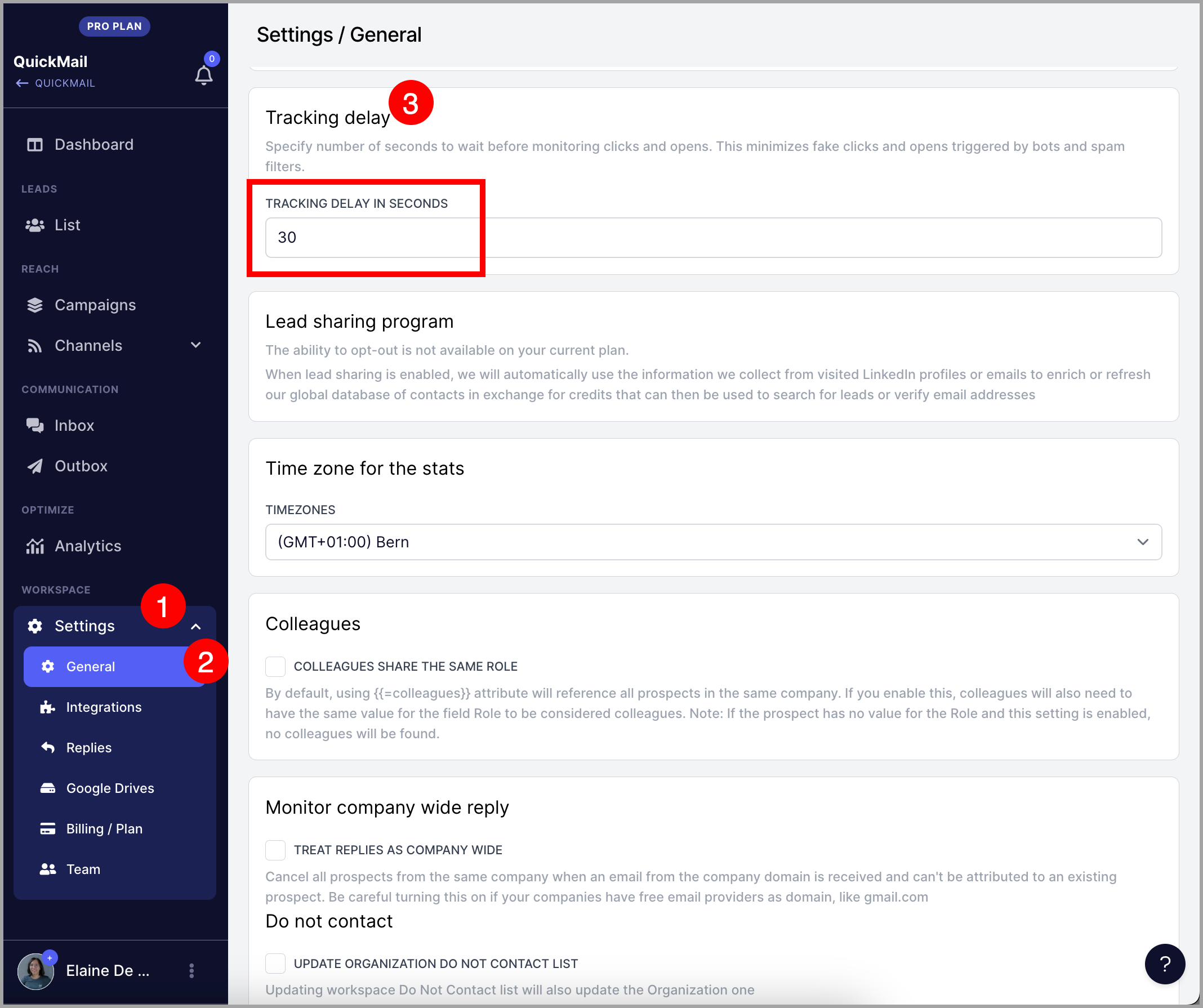
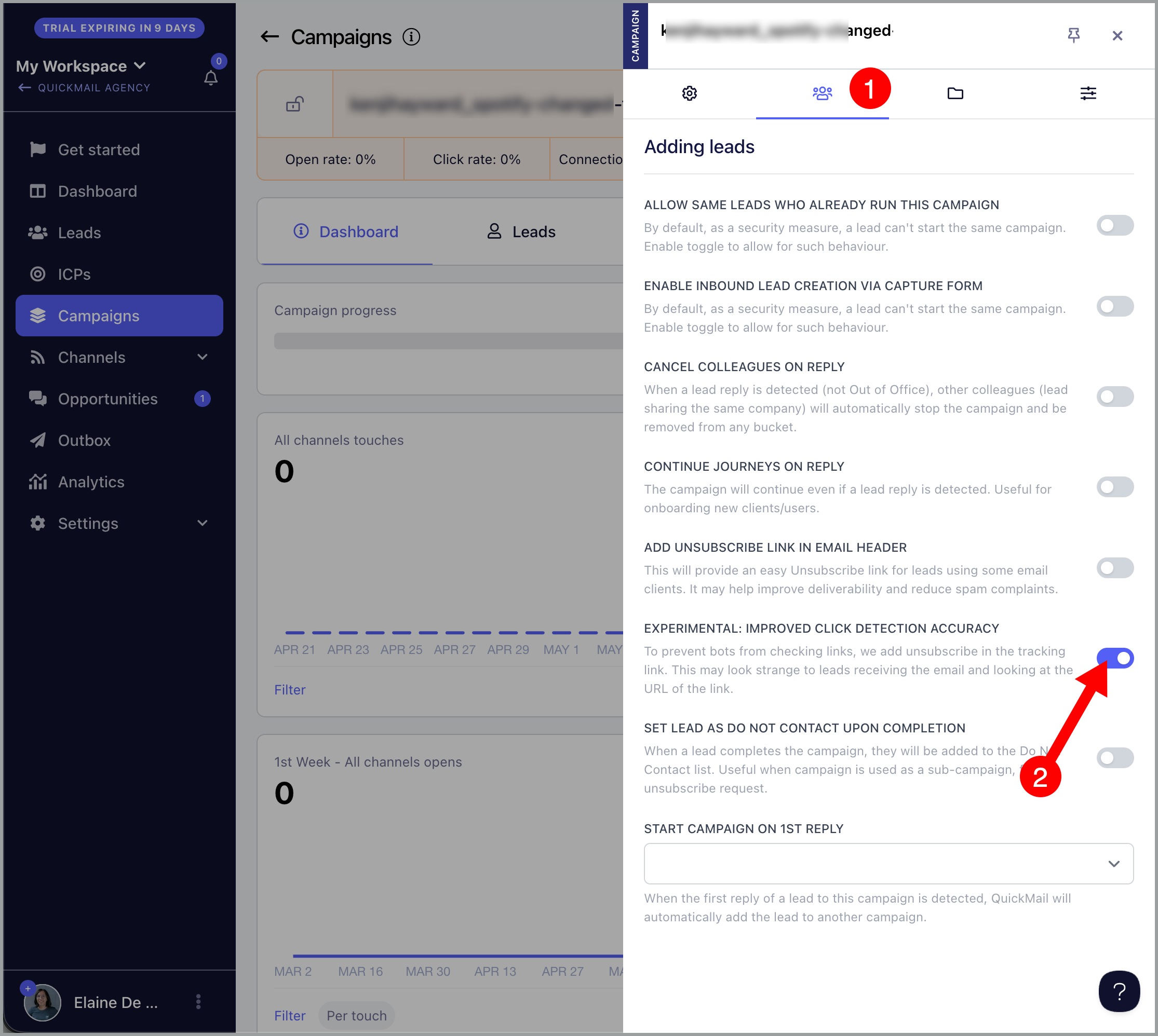
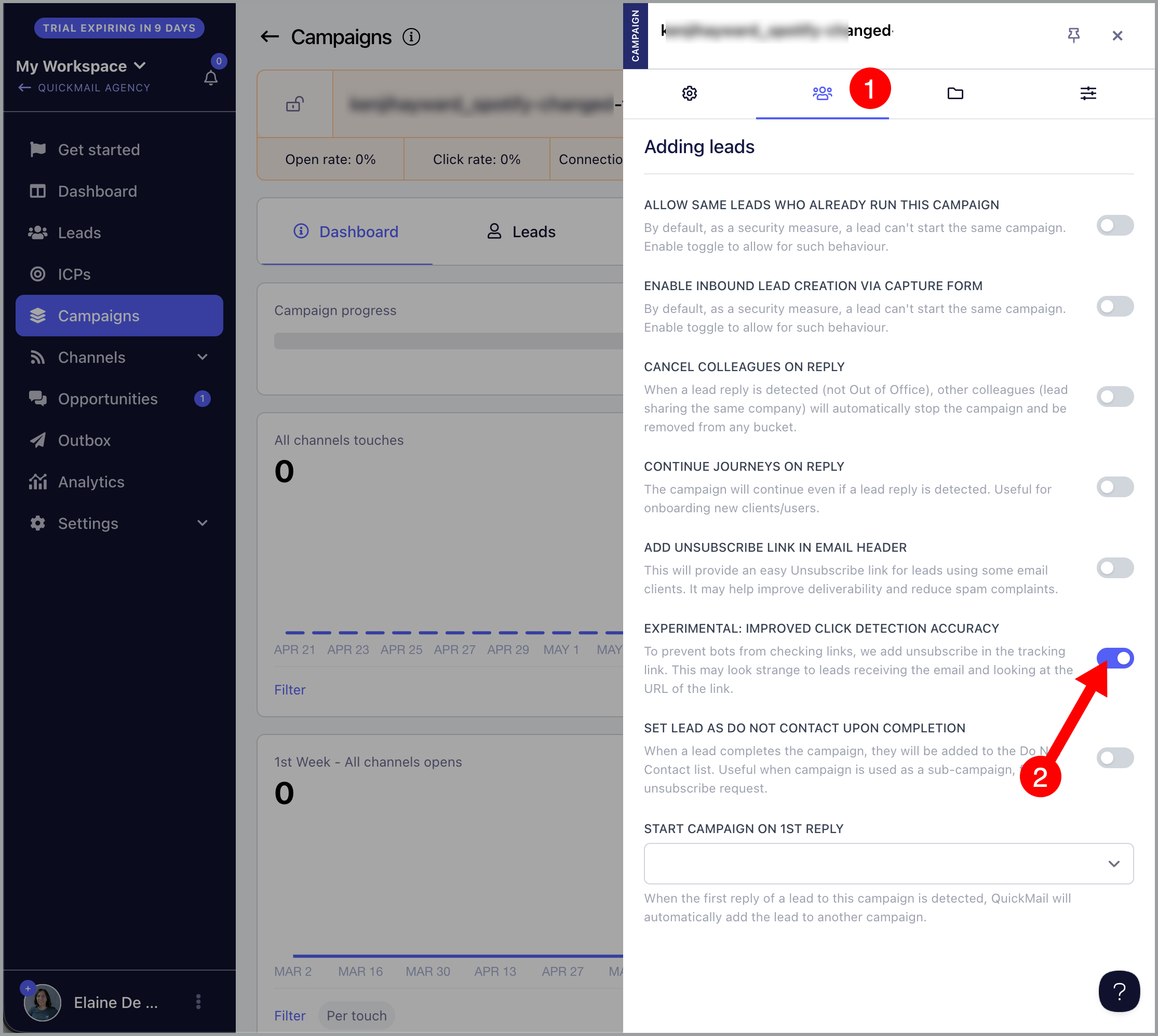
To improve click tracking accuracy, enable the Improved Click Detection Accuracy setting on the campaign.
When enabled, QuickMail appends the word "unsubscribe" to tracked links. Since most security bots avoid clicking unsubscribe links, this helps reduce false click activity caused by automated email scanners.
Note: This does not unsubscribe leads from the campaign. Unsubscribe handling is managed separately by the system.
To enable this setting, go to the campaign → click the menu icon (three vertical dots) → Settings → second tab → enable Improved Click Detection Accuracy.
Option 3: Avoid Opening Emails in Your Sent Folder
Opening emails or clicking links in your sent folder can trigger false opens and clicks. Avoid doing this to keep your tracking data accurate.